TaskEye features
A web portal for managers and a mobile app for field employees: tasks, attendance, leave, expenses, time zones, shifts and reports.
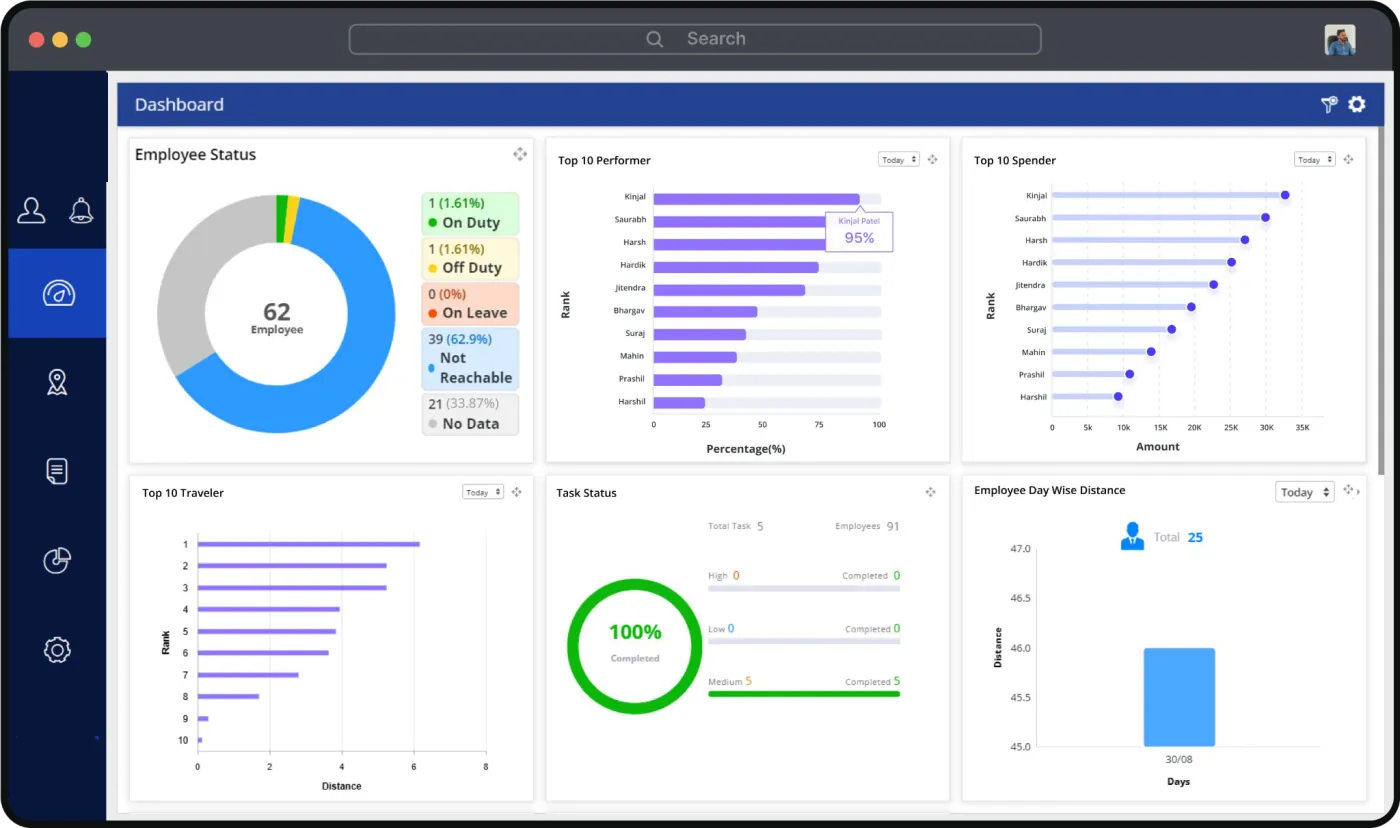
Insightful dashboard
Managers get quick, actionable insights into the team's performance and activities.
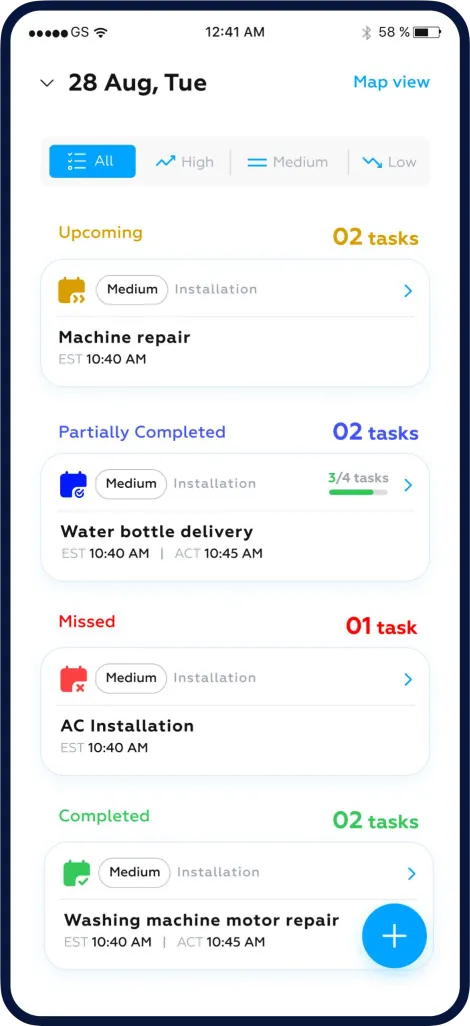
Task management
For managers
- Tasks allocation: assign tasks, and set priorities and deadlines.
- Track performance: monitor employee progress and receive real-time updates.
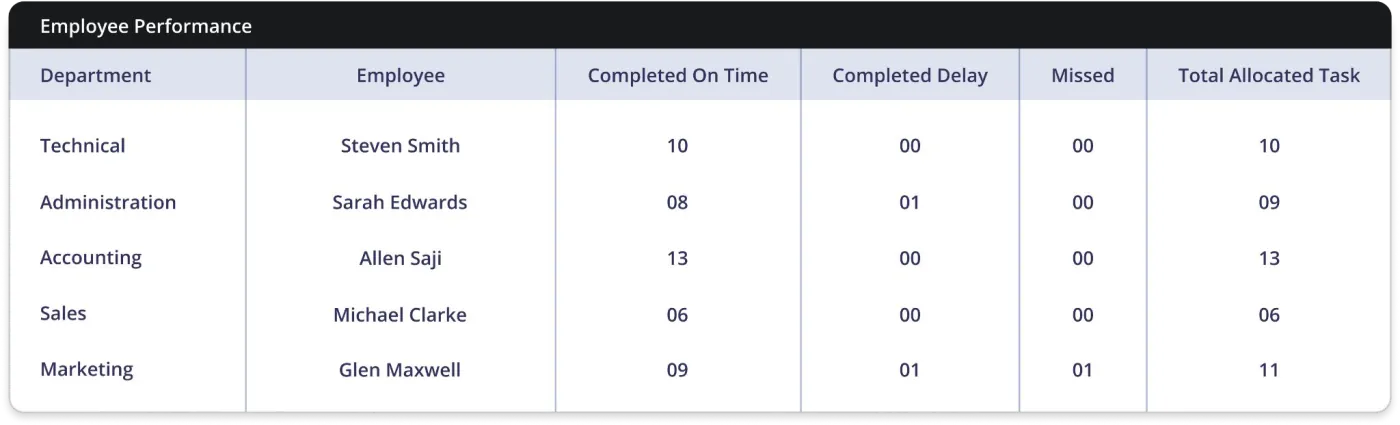
- Access reports: view detailed performance and task completion reports.
For employees
- Instant task notifications: clear instructions and deadlines on the mobile app.
- Easy task navigation: go through tasks quickly and update their progress.
- Simple task completion: submit a completed task with a tap, with images or documents.
Attendance management
For employees
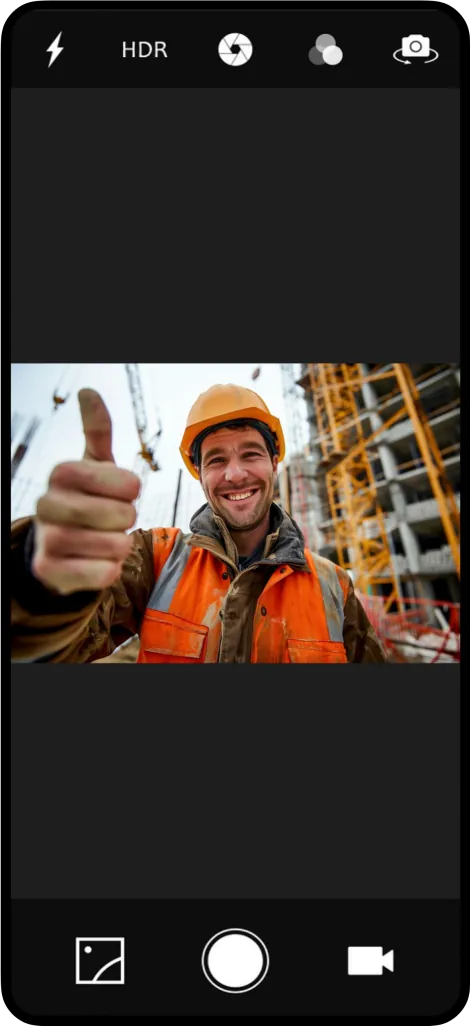
- Photo capture: employees take a photo at check-in, for verification.
- Face recognition and GPS location at check-in.
- Attendance history: review work hours and days at any time.
- Correction requests: ask to correct an attendance error, in the app.
For managers
- Attendance monitoring: view and track attendance records in real time.
- Attendance reports: detailed reports on work hours, to spot trends.
- Payroll: attendance data can be integrated with payroll systems.
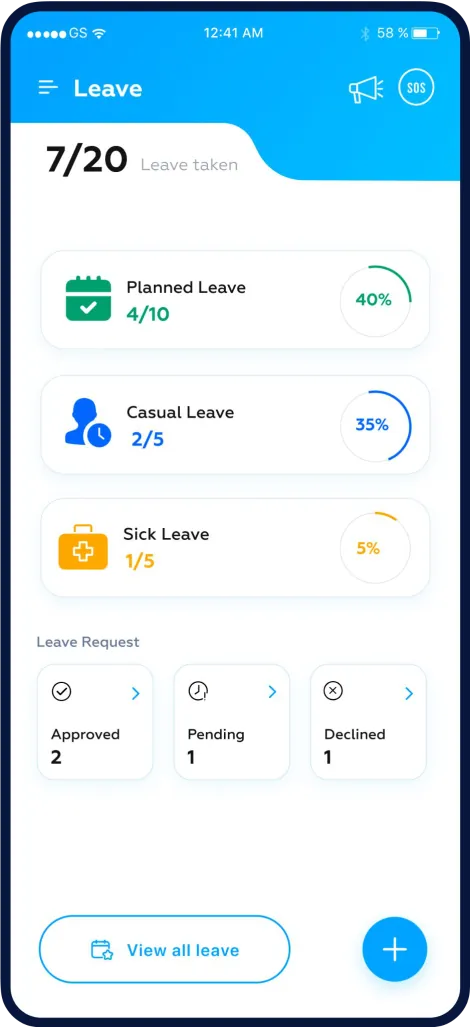
Leave management
For employees
- Leave requests: submit a request in the app, with complete details.
- Leave balances: see the balance and the status of each request.
- Real-time updates: a notification when a request is approved or rejected.
For managers
- Instant notifications: an alert as soon as an employee asks for leave.
- Quick approvals: approve or reject a request with one click, on the web portal or the mobile app.
- Integration: leave data can be integrated with attendance and payroll systems.
Expense management
For employees
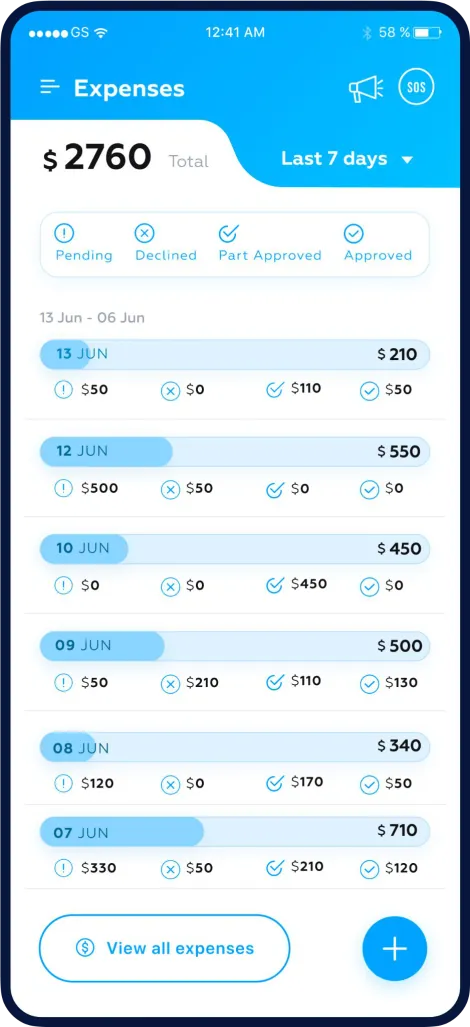
- Quick expense submission: submit expenses in the mobile app with a few taps.
- Upload receipts: attach receipts and other documents.
- Track expense status: follow each claim and get a notification when it is approved.
For managers
- Approve or reject expenses: review employee claims quickly.
- Expense tracking: review and track expenses for budgeting and reimbursement.
- Expense reports: detailed reports for accounting.
Time zone management
Coordinate tasks across different time zones.
- Cross-time-zone coordination keeps the team aligned.
- Real-time progress updates, wherever the employee is.
- Custom alerts based on local times.
Shift management
Plan work shifts, with complete visibility of each employee's shifts and schedule.
- Automated shift scheduling, based on employee availability and workload.
- Shift notifications about upcoming shifts and changes.
- Shift reports on shift patterns, to help with decisions.
50+ reports
Get insights with TaskEye's reporting tools.
- Detailed and summary formats
- Easy download and share
- Employee dashboard
- Graphical reports
- Schedule reports
Want to see these features?
Request a demo, and Zs One Resources will contact you to arrange it.